01 / GET IN POSITIONDESKTOP
↑
←↓→
MOVE & AIM
Arrow keys or WASD to move and aim.

Hard, grass, or clay. Choose your surface.
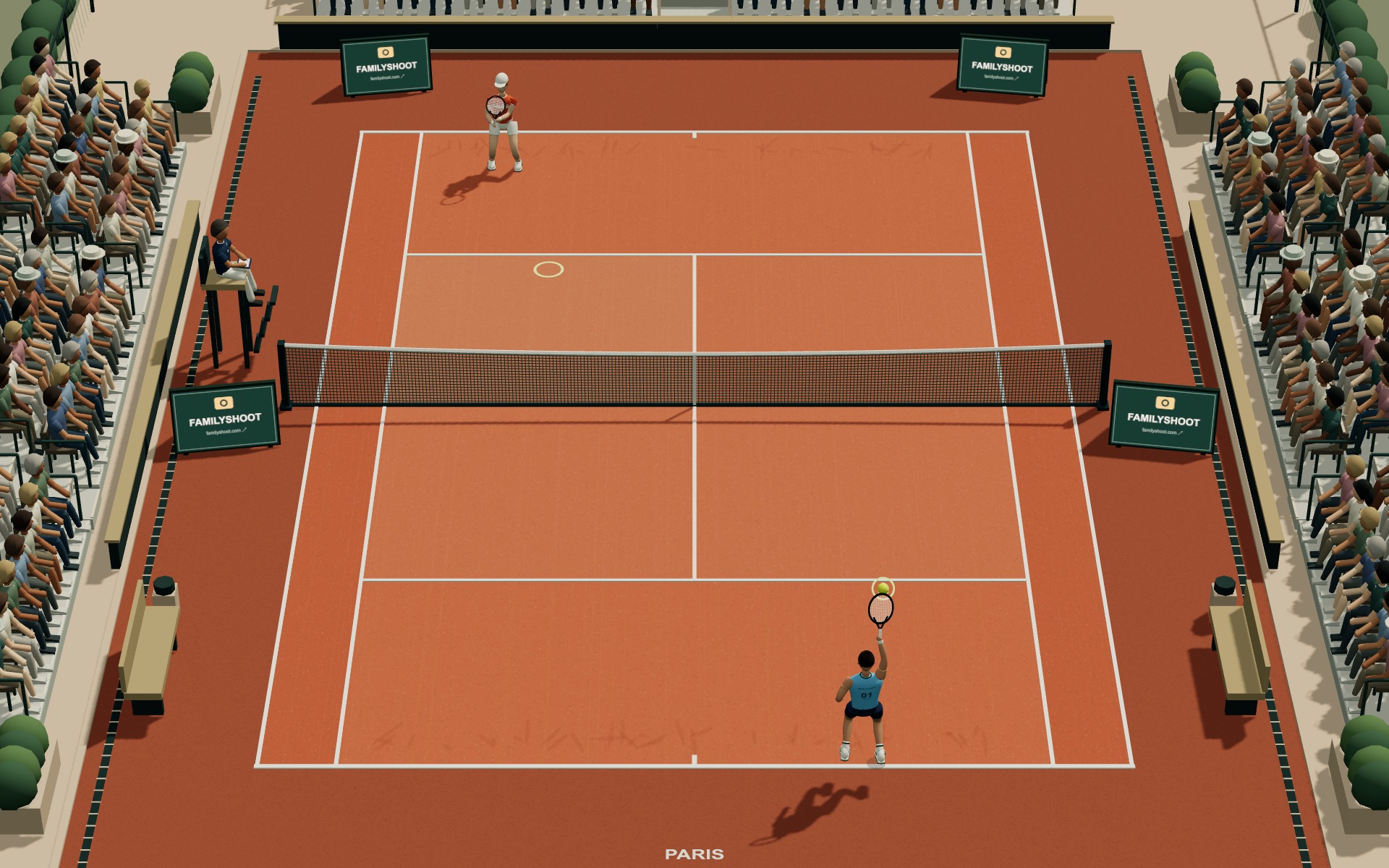
Plus desert, beach, and Moon courts.
Explore all sixDefault controls.
Customize in Settings → Controls.
Arrow keys or WASD to move and aim.
Press Space to hit. On serve, press once to toss and again to swing.
Hold S or ↓ as you press Space for a drop shot. Press R for a high, deep lob.
Use the joystick to move and aim. Tap HIT to swing or LOB for a high, deep shot.
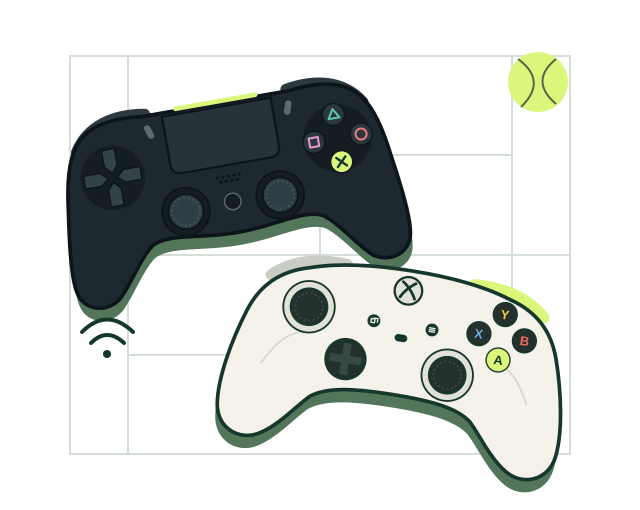
CONTROLLER SUPPORT
Connect an Xbox or PS4 controller by USB or Bluetooth.
Connect the controller to your computer with a USB data cable. A charge-only cable will not carry controller input.
PS4: Disconnect USB. With the controller off, hold SHARE + PS until the light bar flashes. Select Wireless Controller in your computer’s Bluetooth settings.
Xbox: Turn on the controller. Hold its Pair button until the Xbox light flashes. Select Xbox Wireless Controller in Bluetooth settings. Your controller model must support Bluetooth.
Open the game, click inside, then press a controller button. Select your match with the mouse. Support varies by browser and device.
PlayYes. Play free in your browser.
No download is required. You’ll need a compatible browser and a device that supports WebGL 2.
Yes. Use the joystick to move and aim. Tap HIT to swing or LOB for a high, deep shot.
Yes. Choose Online and invite a friend.
9 AI tournaments with 32-player draws. A verified account is required. Win five matches to take a title.